 AI Chat Toolsfor Chrome, Firefox & Edge
Why can’t I find an old ChatGPT chat?
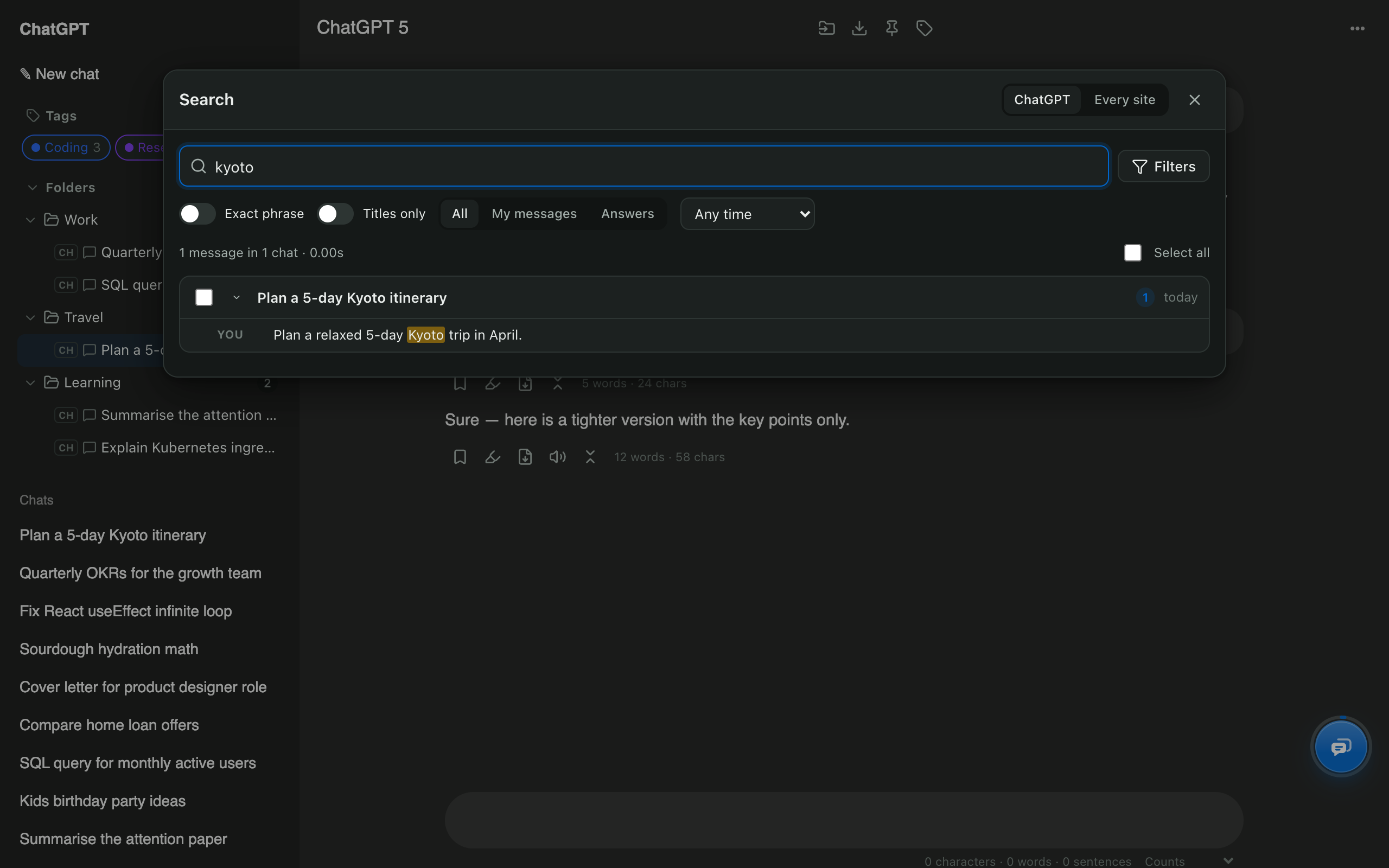
ChatGPT loads your history a page at a time and its search has no date or speaker filters, so older answers are easy to lose. AI Chat Tools reads your history once, keeps a full-text index on your device, and keeps it up to date as you chat.
How do I search by date?
Open Filters in the search window and choose Past week, Past month, Past year or Custom range. Step-by-step: how to search ChatGPT history by date.
Can I search all my AI chats at once?
Yes. Switch the search window to Every site, or use Search all from the toolbar button, to search ChatGPT, Claude, Gemini and Grok together.
What if a chat is missing from the results?
Very old chats may not be listed by ChatGPT any more. Recover older chats scans your history and adds them to the index.